
Tell an AI marketing assistant what changed at your business and what you need done next. In Ask Mazuly, that can be a message, a real photo, or a public page URL. Mazuly uses saved Brand Brain details to prepare a relevant post, offer, campaign, monthly plan, or visibility explanation. A useful request gives it a real starting fact and a customer action; it does not require you to learn prompt-writing language.
“I have a new photo from today's haircut. Make a Facebook post for the salon and tell people how to book” is better than “Do my marketing.” The photo and the booking route tell Mazuly what the work is about. The saved business context supplies the salon's actual services, location, and voice.
The examples below are illustrative, not records of a real customer's results. Each shows what a finished piece of work needs so you can judge your own output.
Six requests an owner can make
1. A new photo arrived
Say: “Use this photo from today's colour appointment for a post about our consultation service. Keep the hair colour true to the photo.” Upload the image with the message; Mazuly cannot use a photograph you have not given it or already made available.
Expect: a post creative that keeps the real work recognisable, an on-image line if suitable, a separate channel caption, and a clear booking next step. Check the client's permission to share, the service name, and whether the image changes anything material. Photo Studio is meant to refine a real photo into usable marketing work, not invent a treatment result.
2. A service page is ready to promote
Say: “Here is the public URL for our bridal consultation page. Make a five-post campaign with different reasons someone might book.” Paste the full link as well as the instruction. A link without an instruction leaves the purpose ambiguous.
Expect: the Campaign Studio workflow to use source-page facts and make five distinct post angles with creative, tagline, caption and next step. Before publishing, compare any price, date, service detail or promise in each post against the page. A stale service page can produce a consistent but outdated campaign.
3. An appointment opened today
Say: “A 3 p.m. cut-and-style slot opened today, 10 November, in our salon's local time. Make a calm same-day post. We are taking bookings by phone.” This is an illustrative 2026 date. Give the real service, date, time zone, location, and booking route. If a slot is no longer available, update the request before using the output.
Expect: a complete last-minute offer that says what is available and how to act. It should not invent a discount, claim scarcity beyond the real opening, or promise the slot will be filled.
4. Next month's priorities are known
Say: “Plan November around new-client consultations, our real team photos, and two holiday opening changes. Use about three posts each week, on varied days.” Add dates and photos you actually have.
Expect: a legible Social Planner calendar with distinct post names, images or asset directions, channel, and planned time. The dates should reflect the business, not a mechanical Monday-Wednesday-Friday pattern. Read the calendar as an owner: are the offers, hours, photos, and next steps still true on the scheduled days? The monthly calendar guide shows what a usable plan looks like.
5. A customer left a review
Say: “Show me which new Google reviews need a decision and help me write a calm reply to this one.” A review is public feedback, so keep private appointment or payment details out of the reply.
Expect: the actual review and a relevant draft when owner attention is needed. Google review auto-replies are a separate owner-controlled setting, not something a chat request silently switches on. The owner chooses which star ratings may receive an automatic reply; reviews outside the selected ratings wait for the owner. Read the rating-rule explanation before using unattended replies.
6. Local visibility is unclear
Say: “Show me where our salon appears for ‘hair colour near me’ around our area, and explain the gaps.” Name a service customers would actually search for. A single search on your phone is not a fair picture of every nearby customer's view.
Expect: an explanation of a Search Visibility check, including location, search phrase, and how positions differ across its nine points. For AI-answer visibility, ask which tested questions and platforms mentioned your business; that is a different observation from a Google Maps position. Neither result is a promise of higher ranking.
Six illustrative results, matched to the requests
The requests above should lead to something an owner can actually use. These are fictional copy examples, not screenshots or evidence of a Mazuly run; the real image, page and availability must be checked before publication.
From the uploaded salon photo: use the salon's own consented, square-cropped result photo. Put “A colour consultation that starts with listening” on the image, clear of the hair. A Facebook caption could say: “Thinking about a new colour? We start with a consultation about your hair, your routine and the result you want. See our consultation page for current booking options.” Add the working booking-page URL and a true local tag; do not invent a treatment result from the photo.
From the bridal-service URL: one of five distinct campaign posts could show the real consultation space with “Plan the look, then choose the date” on the image. Its Instagram caption could say: “Start with a bridal consultation so we can talk through your style and timing. Read the current service details and enquiry steps on our bridal page.” The other posts need different real images and customer questions, not the same graphic five times. See the five-post page-to-campaign guide for a complete worked sequence.
From the open 3 p.m. appointment: use a real salon-chair photo, with “10 Nov · 3 p.m. cut-and-style opening” on the image. A caption could say: “A cut-and-style appointment is open today, 10 November, at 3 p.m. local time. Call the salon to ask whether it is still available and book.” The owner must remove or revise the post when the opening is taken.
From the monthly priorities: a useful calendar tile might read “Team consultation photo · Instagram · Tue 10 Nov, 11:30 a.m. local,” while a second reads “Holiday hours reminder · Facebook · Fri 20 Nov, 4 p.m. local.” Each tile needs its own real image, post copy and action before scheduling. The filled 15-post calendar shows the whole-month standard.
From a review needing attention: imagine an illustrative two-star review saying, “I waited longer than expected and did not know what would happen next.” If the owner has left two-star reviews outside their selected automatic-reply ratings, a draft could say: “Thank you for telling us. I am sorry your visit felt unclear. We would like to understand what happened and address it directly. Please contact the salon through our usual contact page.” The owner checks the facts and wording before using it. If the owner instead selected two-star reviews for automatic replies, the settings—not a chat request—control that behavior; the owner can change that choice.
From the visibility question: a useful explanation might say: “In this illustrative check for ‘hair colour near me’ on 10 November, the salon appeared at five of nine sampled points around its location. Four points did not show it within the sampled results. The weaker points were farther east; check whether those are places you actually serve and whether the public service page describes your real colour work. Repeat the same query and area later before drawing a trend.” The real result should show the underlying grid, date and sampled area. This is an example of interpretation, not a measured Mazuly result or a promise that editing the page will change the positions.
A simple way to make a request useful
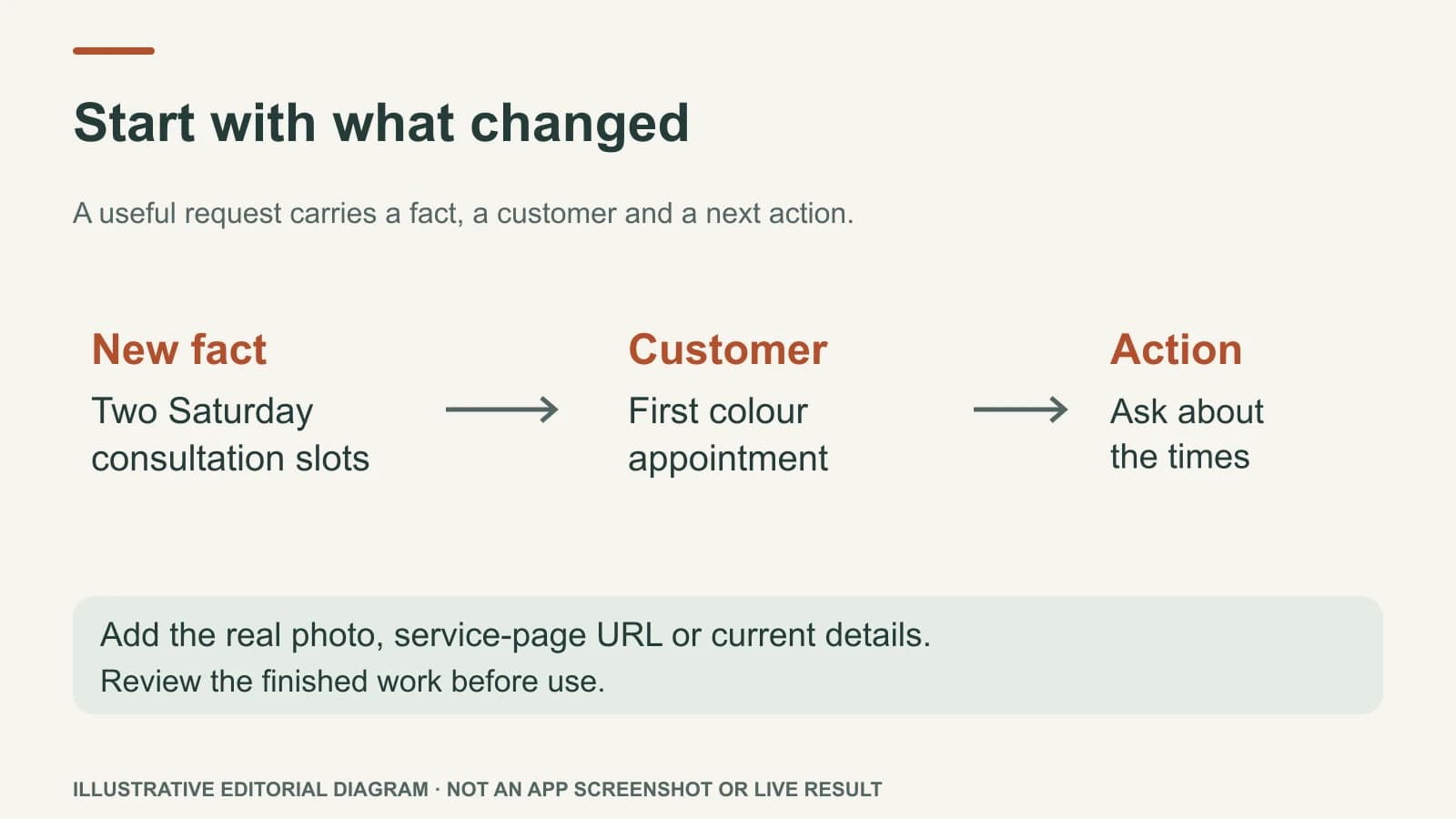
Use three parts: the new fact, the intended customer, and the next action. “We now have two Saturday consultation slots at our Riverside salon. Write a post for people considering their first colour appointment. Tell them to ask about the available times.” You do not need to supply a marketing framework, but you do need to supply facts that Mazuly cannot know from yesterday's website.
If the first result misses the mark, correct the fact, not just the adjective. “Our Saturday service is by booking only” is more useful than “make it punchier.” Update the saved business details if the correction will matter again. The assistant should be quicker to direct over time because it starts from a maintained business context.
What to look at before publishing
Read the finished work as a customer would. Does the visual show the actual service? Does the on-image line agree with the caption? Is the channel named? Is the offer still available at that time? Is the location right? Is there a clear way to book, call, visit, or learn more? If any answer is no, change it before you publish from inside Mazuly. You do not need a second social tool for supported publishing, but a finished-looking post is still worth checking for truth.
The best assistant request is usually short. Its value is the chain from a real business moment to useful, recognisably local work—not a longer prompt.