
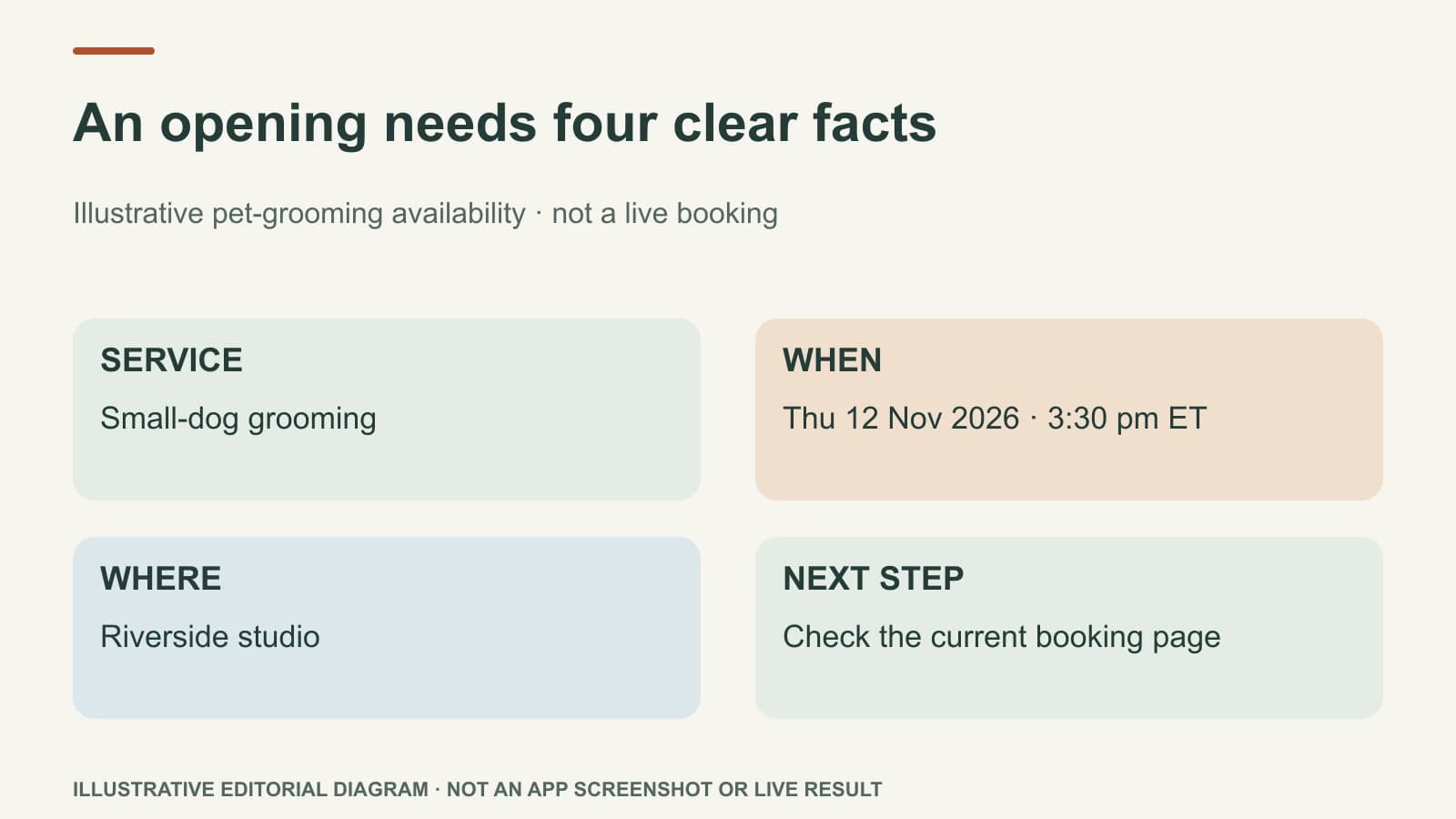
An open-appointment post should say what service is available, when, where, and how to book. Show the real business with a clear square image and a short on-image line. Avoid a discount, “only one spot” claim, or urgency unless the owner has confirmed it.
This article focuses on the finished social post. For the wider decision about whether to fill a cancellation through a post, waitlist, or customer call, use the last-minute appointment playbook.
Gather the five facts first
Imagine an independent pet-grooming studio has a cancellation. This is an illustrative example, not a live opening. The owner confirms a small-dog grooming appointment at 3:30 pm Thursday, 12 November 2026, at the Riverside studio. A customer can book through the studio's actual booking page. The owner also confirms whether that service fits the available time and whether a new customer can book it.
Without those facts, “An appointment opened up!” asks customers to do the clarification work. Worse, it may attract requests the team cannot serve.
| Fact | Post-ready answer |
|---|---|
| Service | Small-dog grooming, with any eligibility stated |
| Time | Thursday, 12 November 2026, at 3:30 pm ET; use the studio's actual local zone |
| Place | Riverside studio, not every branch |
| Action | Book through the working appointment link |
| Cut-off | Remove or update the post once booked |
Build the finished post
Square visual brief: use an approved photo of the actual grooming studio or a permission-cleared dog after a real appointment. Do not imply the photographed animal is the available appointment's customer. Put the line “Thu 12 Nov · 3:30 pm ET opening” on the image, with “Riverside studio” below it. Keep both lines readable on a phone and inside the safe area of the crop. This is a brief for creating the image, not an attached finished visual.
Instagram / Facebook caption:
A small-dog grooming appointment has opened at our Riverside studio on Thursday, 12 November 2026 at 3:30 pm ET. If your dog is due for a tidy-up and this service fits, use the booking link to check current availability and request the time.
Hashtags: #RiversideGrooming #DogGrooming #LocalPetCare
Next step: the verified booking page, not “message us” unless someone is ready to answer messages promptly. If the channel does not make a caption link clickable, use the channel's working link placement and say where it is.
The post's job is to help the right person decide quickly. The photo makes the business recognizable; the words handle the appointment facts. The caption does not claim a price, discount, or special treatment that the owner did not approve.
The image is still a post creative, not a picture of the free calendar slot. Its job is to make the studio recognizable. The caption and booking page carry the changing availability. If Facebook and Instagram use different working link placements, adapt only that instruction; do not change the service or time between versions. Save the draft with a clear post name such as “Riverside grooming opening — 12 November” so it is easy to find and withdraw if the slot fills.
Check it one last time
Before use, confirm the appointment still exists, the selected service fits the available duration, and the booking path shows the correct branch. Ask whether the studio can handle a response from someone who has not visited before. If not, state the actual eligibility rather than burying it in the booking form.
If the time fills, remove the scheduled version or update the live post where the channel permits. Do not leave “3:30 pm available” public as if it were still true. If a waitlist already exists, contacting eligible customers may be more useful than a public post.
Last-Minute Offers can help prepare the visual and copy from the owner's confirmed opening, with Brand Brain supplying saved business voice and location context. The owner still confirms the live appointment and decides what to publish. For whether the offer needs a price reduction, read the same-day discount decision guide.