
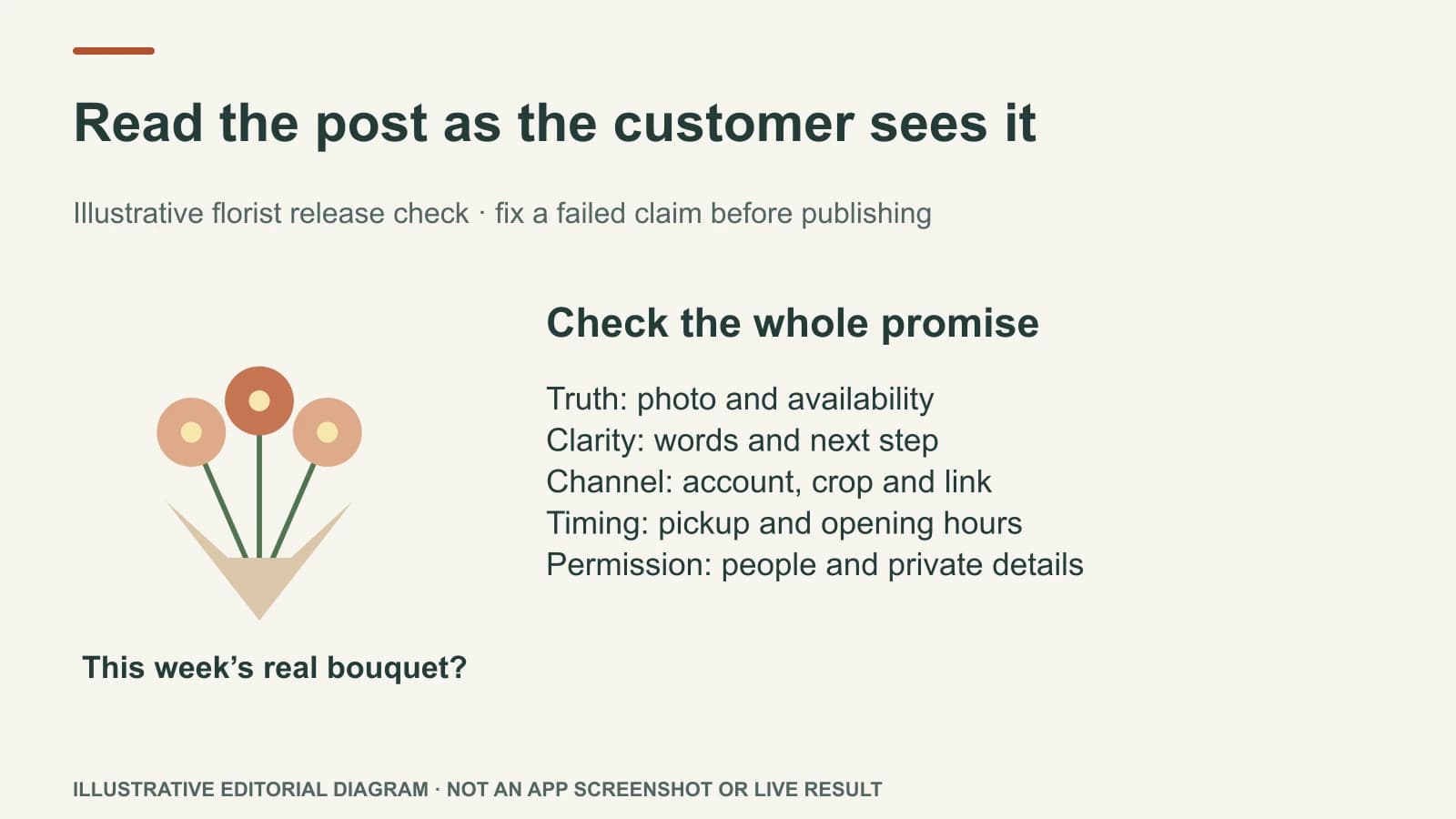
Read an AI-prepared post as the customer will see it, not as a writing draft. Check that the image is real and appropriate, the on-image words and caption agree, the service or offer is still available, the selected channel and time make sense, and the customer has a working next step. Fix the first error you find before polishing adjectives.
Some Mazuly work can be published directly from the product. That makes the final check more valuable, not more complicated. A complete post is a combination of visual, words, destination and timing—not a caption in isolation.
Review one finished post, piece by piece
Imagine an illustrative neighbourhood florist preparing a Facebook post for Friday's seasonal bouquets. The draft contains:
- Image: a photograph labelled as this week's finished bouquet;
- On-image line: “Friday bouquets are ready”;
- Caption: “Fresh seasonal bouquets are available for pickup from 3 p.m. Friday. Call the shop to ask what is still available.”;
- Channel/time: Facebook, Friday at 3 p.m. local time, when pickup begins;
- Next step: a call button or current shop contact route;
- Hashtags: one local and one product tag, if the business uses them.
It looks complete. Before publishing, the owner asks whether the photo actually shows this week's bouquets, whether “pickup from 3 p.m.” is true, whether the shop is open when the post appears, and whether staff can answer the phone. If the image is from last year, the post could mislead even when the caption is beautifully written. If flowers will not be ready until 4 p.m., correct the time everywhere it appears.
Check the visual first
The image should depict the business's real product, place or work. Check who owns it, whether anyone pictured agreed to be shown, and whether editing changed a detail that customers rely on. A colour adjustment can make a photo clearer; replacing a customer's room, inventing a product, or implying a result the business did not produce changes the claim.
Preview the image at phone size. Does the on-image line remain legible? Is it placed over an important face or product detail? Is it cut off by the intended channel's crop? Do not judge a social graphic only from a large desktop editor. The Photo Studio guide shows why the source and final visual need to stay recognisably connected.
Check the two layers of text
The on-image line should deliver one thought. The caption should add the facts needed to act. If the image says “Today only” but the caption says “all weekend,” the post is not ready. If the image says “Free delivery” but that only applies above a minimum order, the qualifying term must be clear where a customer will see it.
Read every number, date, location and service claim against a current source. Do not allow the AI to fill a missing price or quantity with a plausible guess. If the post is based on a public service or offer URL, compare the finished text with that page. If the business's Brand Brain still has an older opening time, correct the context as well as this one caption.
Hashtags are labels, not a rescue plan for vague copy. Keep only tags that match the real business and location. Do not claim a number of hashtags will make the post “go viral.” The customer should understand the post even if no hashtag is present.
Check the destination and timing
The channel field matters because a customer may see different text, crop or link options on Facebook, Instagram or another supported destination. Preview the actual channel version, not a generic card. Check the account is the correct business or location. A salon's post should not appear under a café's account because both happen to be in one workspace.
For a scheduled post, compare the date and time with the real offer window. A Friday afternoon bouquet post should not go out after the shop has closed or before stock is ready. Social Planner lets an owner adjust the date, image or caption before a scheduled post publishes. After a plan is approved, eligible posts can publish to connected channels under the owner's settings.
Use a short release check
Ask these questions in order:
- Truth: Are the photo, service, price, date, location and availability real now?
- Clarity: Can someone understand the post and next step without reading an earlier campaign?
- Channel: Is the account, crop, caption and link appropriate to where this will appear?
- Timing: Will the action still be possible when the post is scheduled?
- Permission: Are the photo, people and customer details safe to publish?
If a claim fails, hold the post and fix it. If only style feels slightly weak, choose whether that improvement is worth delaying a timely, accurate message. Not every post needs to be a design award; every post does need to be true.
The monthly calendar guide shows how this check fits into a whole month. Use this final check on one finished post at a time, while the facts are still easy to verify.