
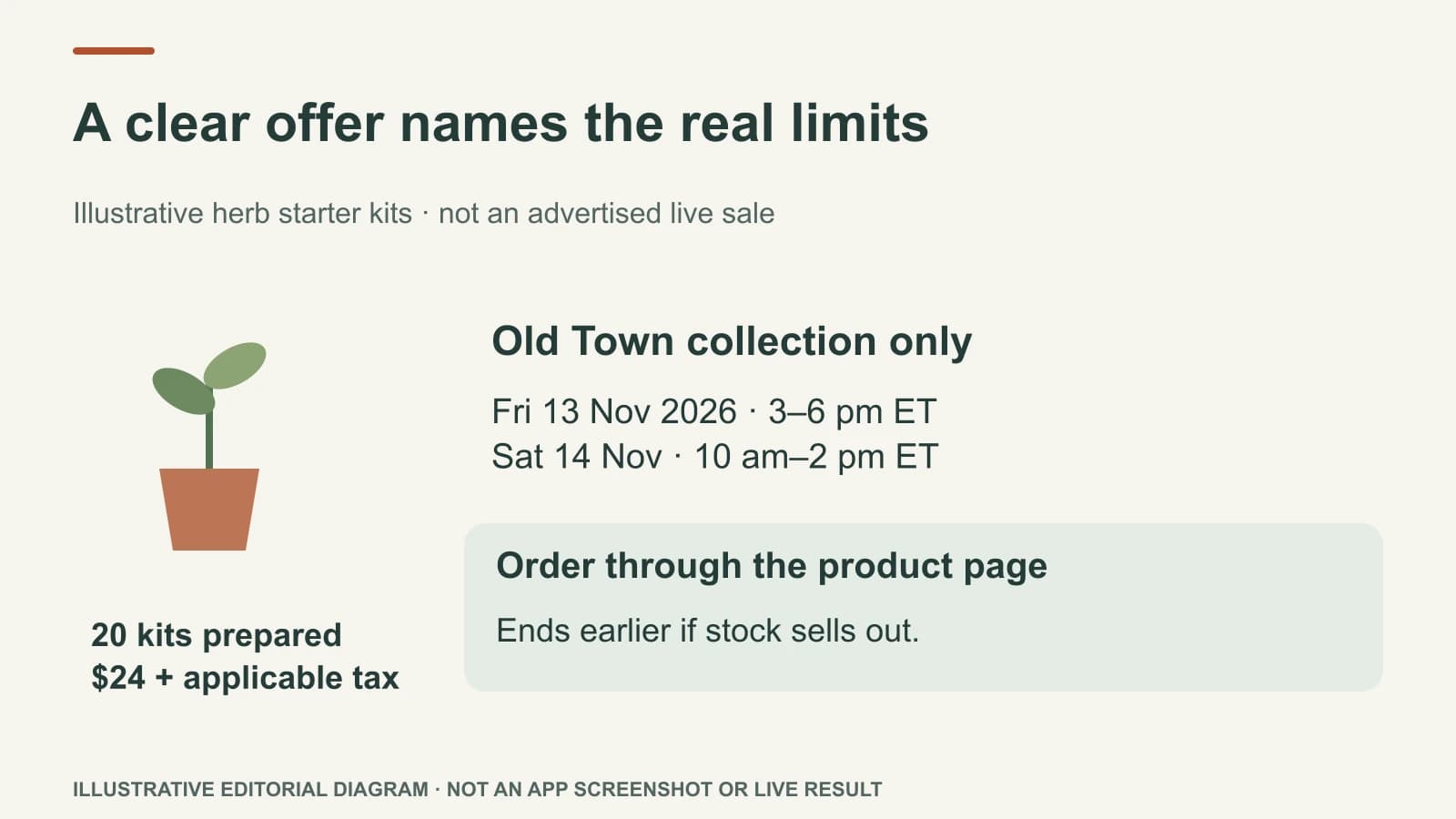
A time-limited local offer should answer six questions at a glance: what is offered, for whom, at which location, from when until when, under what conditions, and how to get it. If stock or appointments may run out earlier, say so. Avoid a dramatic countdown that hides the actual terms.
The urgency has to come from the business's real window, not a template. A clear offer respects the customer and protects the team from handling requests it cannot fulfil.
Build the offer before the post
Imagine a neighbourhood plant shop has twenty herb starter kits ready for weekend collection at its Old Town branch. The owner has confirmed the kit contents, a $24 price plus applicable tax, collection Friday 13 November 2026 from 3–6 pm ET and Saturday 14 November from 10 am–2 pm ET, and “while supplies last.” This is an illustrative example; no real sale is being advertised.
The shop does not ship the kits, accept reservations by direct message, or sell them at its Riverside branch. Those exclusions matter as much as the attractive photo. The website product page must carry the same facts, and the checkout or collection route must work before the campaign begins.
| Field | Approved fact |
|---|---|
| Product | Herb starter kit with the named plants and care card |
| Quantity | Twenty prepared kits; current stock can change |
| Price | $24 per kit plus applicable tax in this illustrative example; confirm the real total before use |
| Location | Old Town branch only |
| Collection window | Friday 13 Nov 2026, 3–6 pm ET, or Saturday 14 Nov, 10 am–2 pm ET |
| Action | Use the product page to order for collection |
| End condition | Earlier of stock selling out or Saturday 14 Nov at 2 pm ET |
If the business cannot keep the product page's stock current, avoid promising that a particular kit is still available. “While supplies last” is honest, but it should not be an excuse to keep promoting an offer after it ends.
Turn it into a finished post
Square image: a real, permission-cleared photo of one of the prepared herb kits. On-image text: “Herb kits · Old Town · 13–14 Nov.” Keep the product visible and the words away from the crop edges.
Facebook / Instagram caption:
The herb starter kits are ready for collection at our Old Town shop on Friday 13 November 2026, 3–6 pm ET, or Saturday 14 November, 10 am–2 pm ET, while supplies last. Each kit includes the plants and care card listed on the product page and costs $24 plus applicable tax. Order through the product page for Old Town collection; these kits are not available at Riverside.
Hashtags: #OldTownPlantShop #HerbGarden #ShopLocal
Next step: the working product-page link in the channel's available link position. If the caption link is not clickable, tell the reader exactly where to find it. Do not substitute “DM to reserve” unless the team has approved and staffed that route.
The post is complete enough to act on, but the source page still holds the full kit details and current ordering path. A customer should not have to search comments for exclusions.
Check before and during the window
Before publishing, verify the photo shows the actual kit, the twenty-kit count is still meaningful, the branch and hours are correct, and the purchase route is working. During the offer, watch stock and questions. If the last kit sells, update or remove posts and scheduled reminders where the channel allows; do not let a “last chance” graphic continue circulating uncorrected.
If the offer is an appointment rather than a product, replace quantity with service eligibility and exact start time. For the pricing choice, see whether a same-day offer needs a discount. For a food item that must move today, use the food-special guide.
Last-Minute Offers can prepare the image text, caption, and hashtags from confirmed facts, with Brand Brain supplying saved voice and location context. The owner still checks stock, terms, and the live link before deciding to publish.