
Change a social calendar when the business changes. Keep the posts that still help customers, move or remove the ones that have become inaccurate, and use the new moment only if it has a clear customer action. A calendar should make priorities visible, not force the business to publish old plans.
Before: a reasonable week on paper
Imagine a neighbourhood fitness studio planning three posts:
| Date | Post name and image reference | Channel and local time | Original reason |
|---|---|---|---|
| Tue 10 Nov 2026 | Meet the instructor · approved coach photo A | Instagram · 11:00 a.m. ET | Introduce the person leading beginner classes |
| Thu 12 Nov 2026 | Friday beginner class · approved studio photo B | Facebook · 10:00 a.m. ET | Explain the class and its planned 6:00 p.m. start |
| Sat 14 Nov 2026 | Weekend greeting · no approved image | Instagram · 9:00 a.m. ET | Keep the calendar active |
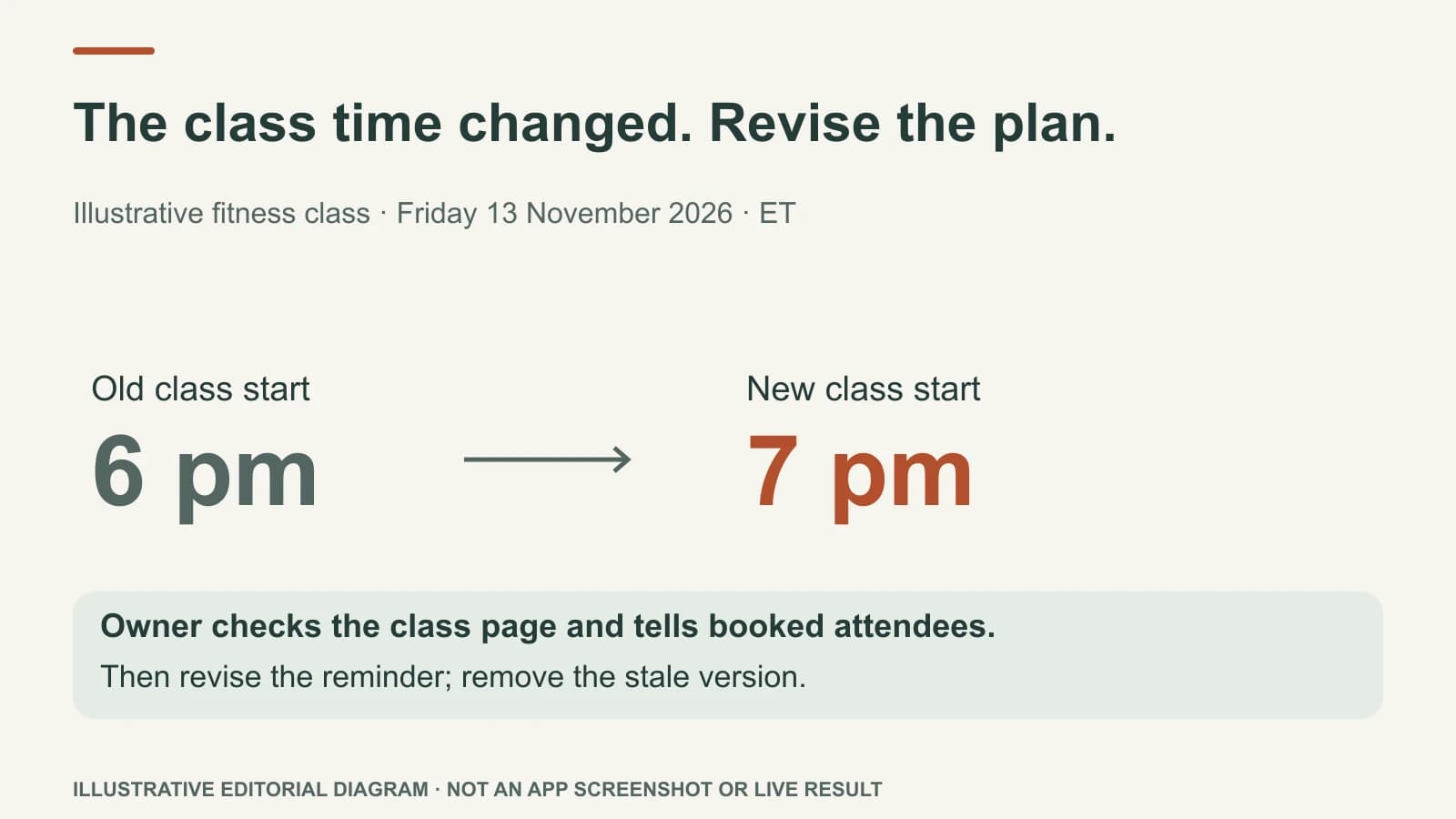
This is an illustrative plan, not a real business's schedule. The studio holds this beginner class every Friday, subject to the current booking page. On Wednesday morning, the studio confirms this Friday's class will start at 7:00 p.m., not 6:00, because the instructor's availability changed. At the same time, the team receives a current class photo it has permission to use. The planned reminder is now inaccurate, and the generic greeting remains the least useful item.
After: make two deliberate changes
First, the owner updates the class page and booking route to show Friday 13 November at 7:00 p.m. ET, checks whether existing attendees have been told, and confirms that the new time is actually bookable. Then the Thursday reminder can be revised. Its square visual might say “Beginner class · Fri 13 Nov · 7 p.m. ET.” The caption should name the changed time and link to the current class page. If the class is cancelled or full before the reminder is due, hold it.
Second, the new class photo is checked for permission from everyone identifiable in it. It can replace the older studio image in Thursday's reminder if it shows the actual class, or support a later explanation of what beginners should expect. The photo is not automatically a reason to add a fourth post today.
The instructor introduction from Tuesday remains useful; it does not need to be reposted. Remove the generic weekend greeting unless there is a real local message to share. The new week has fewer fillers and a clearer reason for every post.
The revised calendar should show the change plainly, not hide it in a caption that nobody can find:
| Date and decision | Post name and image reference | Channel and local time | What the owner can check |
|---|---|---|---|
| Tue 10 Nov · leave | Meet the instructor · approved coach photo A | Instagram · 11:00 a.m. ET | The instructor and class details are still current |
| Thu 12 Nov · revise | Friday beginner class · permission-cleared class photo C | Facebook · 10:00 a.m. ET | Confirm Friday 13 Nov at 7:00 p.m. ET, attendee notice, class page and booking link |
| Sat 14 Nov · remove | Weekend greeting · no image | No channel or time | An empty tile is better than a post with no customer purpose |
| Tue 17 Nov · prepare separately | What beginners do in class · approved studio photo B | Facebook · 10:00 a.m. ET | Class format, price and booking page still match the real session |
For the revised Thursday post, an illustrative on-image line is “Beginner class · Fri 13 Nov · 7 p.m. ET.” A separate caption could say: “Our Friday beginner class now begins at 7 p.m. ET on 13 November. If you already reserved a place, please check the update we sent you. New visitors can see the current class details and available places on our booking page.” The owner must confirm the page, attendee notice and class availability before use. The old 6 p.m. visual must be removed, not left on another scheduled channel.
Use a five-minute change check
- What changed? Name the new class time, not the vague feeling that “we need more content.”
- Who needs to know? Current customers, nearby prospects, or only the internal team?
- What must be updated first? A service page, hours, price, booking link, or staff schedule may be the real source.
- Which planned post is now least useful? Replace or hold it instead of stacking more work on top.
- When does the new post stop being true? A class reminder needs the current time and availability up to the start.
For the distinction between draft, schedule, and publishing, read the planning-to-publishing workflow. A booked monthly calendar is not a promise to publish unchanged facts all month.
Where Mazuly helps
Social Planner can prepare a reviewable month with post ideas, visuals, captions, channels, and times. Ask Mazuly can take a new request such as, “Our Friday beginner class moved to 7 p.m. ET. Use this updated class URL, revise the Thursday reminder and remove the old 6 p.m. version.” The Brand Brain gives the AI saved studio context, while the owner supplies the new time and decides what to change.
The better calendar is the one that stays close to the actual business. It should be flexible enough to welcome a real moment and disciplined enough to leave a blank day blank.