
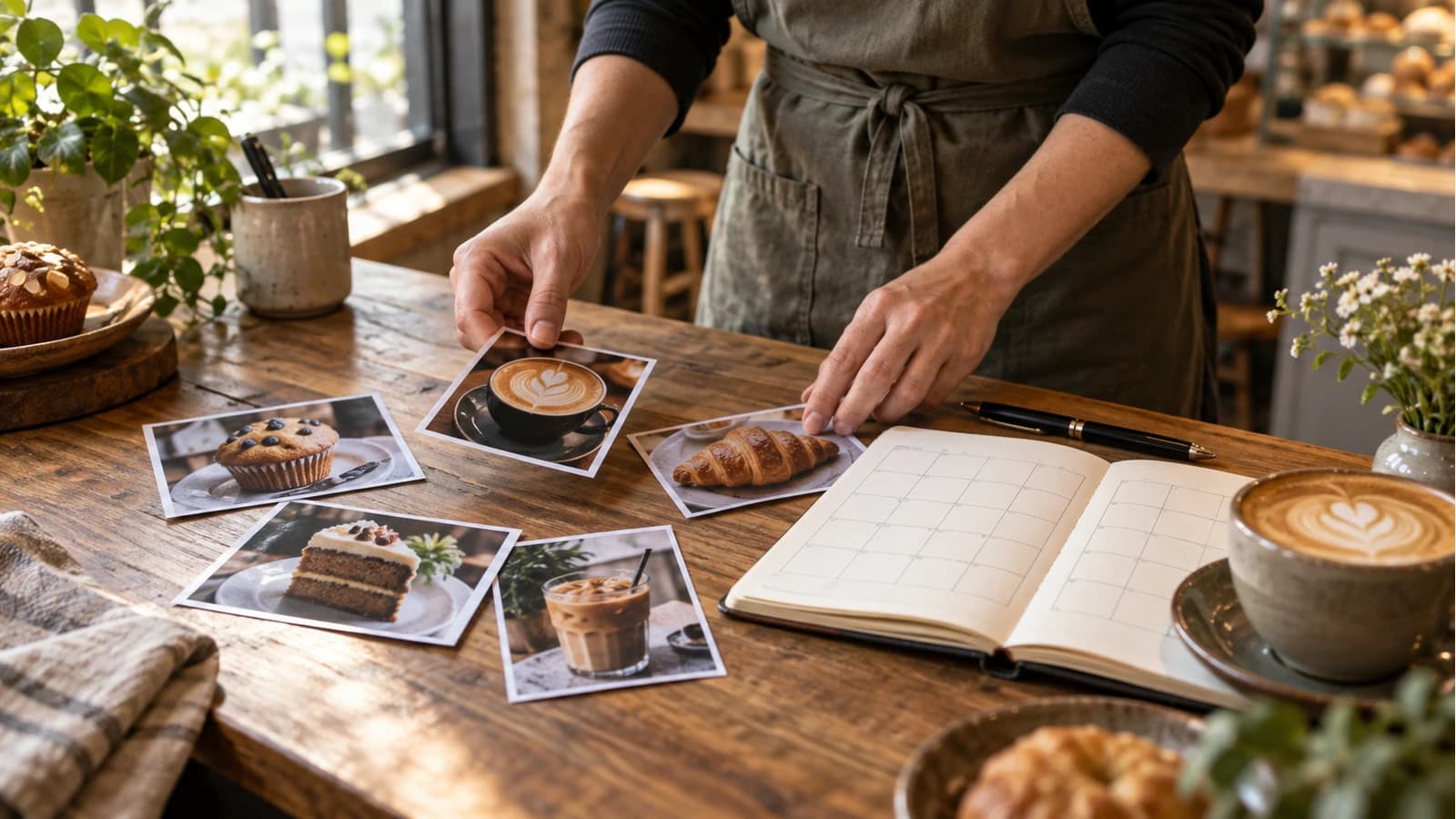
A café's social plan should follow what is actually on the counter: drinks, pastries, people, opening hours and changing stock. Unlike a calendar for a shop with relatively stable stock, a café needs a same-day check before a food post appears. Plan enough to stop starting from a blank page, then leave room for a special to sell out. The calendar below is a fictional October 2026 example; dates, menu, hours and channel choices must be checked against a real café before use.
A filled month with room to breathe
For this example, Cedar Row Café is fictional. It has seasonal drinks, weekend pastries and a small catering service. The owner supplies approved menu details and real photos. Fifteen posts are spread across changing weekdays and weekends, rather than repeating the same three columns every week. “Image to use” is a shot brief, not a generated or existing customer image. The general monthly-calendar guide uses a bookshop to explain how to fill a month; this café guide is for the harder operational question: what happens when the menu changes after a post is scheduled?
| Date | Post name | Image to use | Channel | Planned local time |
|---|---|---|---|---|
| Oct 2 | First autumn pour | Real drink at the counter | 8:15 am | |
| Oct 4 | Sunday pastry tray | Today's tray before service | 9:30 am | |
| Oct 6 | Behind the counter | Team member with permission | 11:00 am | |
| Oct 9 | Weekend table | Window seats ready for guests | 7:45 am | |
| Oct 11 | What's in the case | Current pastry selection | 10:00 am | |
| Oct 14 | Catering, simply | Actual boxed order or setup | 1:00 pm | |
| Oct 16 | Pistachio latte returns | Finished drink, true ingredients | 8:50 am | |
| Oct 18 | Sunday morning light | Café space as it really looks | 9:15 am | |
| Oct 20 | How we make it | Preparation step the team allows | 10:30 am | |
| Oct 23 | Weekend pastry preview | Freshly prepared tray | 3:00 pm | |
| Oct 25 | A quiet table | Actual seating and current hours | 8:45 am | |
| Oct 27 | Catering question | Example size/lead time card | 12:15 pm | |
| Oct 28 | Team favourite | Team member's real choice | 2:30 pm | |
| Oct 30 | Last October weekend | Seasonal drink and pastry pair | 9:00 am | |
| Oct 31 | Next month, coming up | New menu teaser only if confirmed | 4:00 pm |
This is a planning example, not a claim that any of those times perform best. The café should change a slot when service hours, menu availability or the day's photo changes. Each calendar cell in a real tool should visibly carry the image, post name, publishing channel and planned time; a blank coloured tile is not a useful plan.
Two of those tiles need an explicit pre-post check in this illustrative café. Before the Oct 4, 9:30 a.m. pastry post, the morning shift lead checks the live case and takes that day's photo by 9:20 a.m. Before the Oct 16, 8:50 a.m. pistachio-drink post, the opening barista confirms the ingredients and menu by 8:35 a.m. Those are proposed internal cutoffs, not claims about Mazuly automatically checking stock. If either check fails, the owner changes or holds the scheduled item.
Keep a menu-and-stock board beside the calendar
A planned post is a claim about a future service day. For each changing item, the owner can keep a small source record: menu name, verified ingredients, photo date, service window, current availability, person responsible for the check, and the latest time the post may be changed. Add a price only if a current menu confirms it. A photo of yesterday's full pastry tray is not proof that the same pastries are available this morning. The board is a suggested owner workflow, not an automatic stock connection in Mazuly.
For the fictional café, imagine Friday's pastry preview is scheduled for 3 p.m., but the kitchen confirms at 1 p.m. that the featured item will not be made on Saturday. The owner has three honest choices: replace it with a verified item and new image, change the slot to a general weekend-hours post, or leave the date empty. Reusing the attractive pastry image with an “available tomorrow” line is not a fourth choice.
Complete two posts, not just ideas
The table is the map. A post still needs a clear visual and words a customer can act on. Here are two illustrative packages:
Oct 16 — Pistachio latte returns. Use a real square photo of the finished drink, leaving safe space for the on-image line: “Pistachio latte is back.” The Instagram caption could read: “A familiar autumn favourite is back at Cedar Row Café. Pistachio, espresso and your choice of milk, available while ingredients last. Ask at the counter if you have an ingredient question.” Add only factual local tags, for example #CedarRowCafe #AutumnCoffee. Do not use this copy unless those ingredients and availability are confirmed.
Oct 27 — Catering question. Use a real image of an approved boxed order with the on-image line: “Coffee for your next small gathering.” A Facebook caption might read: “Planning a team breakfast? Tell us the date and number of people, and we can explain our current catering options and lead time. Message the café to ask.” The channel and time come from the calendar; the owner still checks actual capacity before posting.
A sold-out item changes the tile and the post
Take the Sunday pastry tray tile on 4 October. In the fictional plan, it is set for Facebook at 9:30 a.m. with a same-day tray photograph. The original on-image line would say “Sunday pastries, fresh today”; the draft caption might say, “See today's pastry case at Cedar Row Café. Ask the counter what's available before making a special trip.” Its image, name, channel and time are visible in the calendar.
Now imagine the pictured pastries sell out at 9:10 a.m., before that post is used. The owner should replace the tile's image with a new photograph of the actual case, change its post name to “What is at the counter now”, and replace the line with “Today's counter, as it looks now.” A revised caption might say, “Our pastry selection has changed since opening. Here is the counter at 9:20 a.m.; please ask us what is still available when you arrive.” If the team cannot take and verify that replacement photo, hold the post. The owner also checks whether customers need an ingredient answer before the new caption goes out. That is a real calendar change, not the same creative with a different date.
Keep an owner-controlled change rule
Before scheduling, check the exact ingredients, price if shown, seasonal availability, opening hours and permission for people in photos. On the day, the designated team member checks the menu-and-stock board before each time-sensitive post. Change or skip a sold-out pastry post. Do not imply a limited batch if the item is available every day. Leave space for a genuine surprise: a local event, a changed opening time, or a new photo from the counter.
This is why the plan does not fill all 31 dates. A useful calendar supports the business; it does not demand content when the best action is to serve customers. The Social Planner page shows how a visual month can hold the creative, post name, channel and time together. Photo Studio helps turn a real café image into a finished post, while the guide to a month of business photos helps collect source material before planning.