
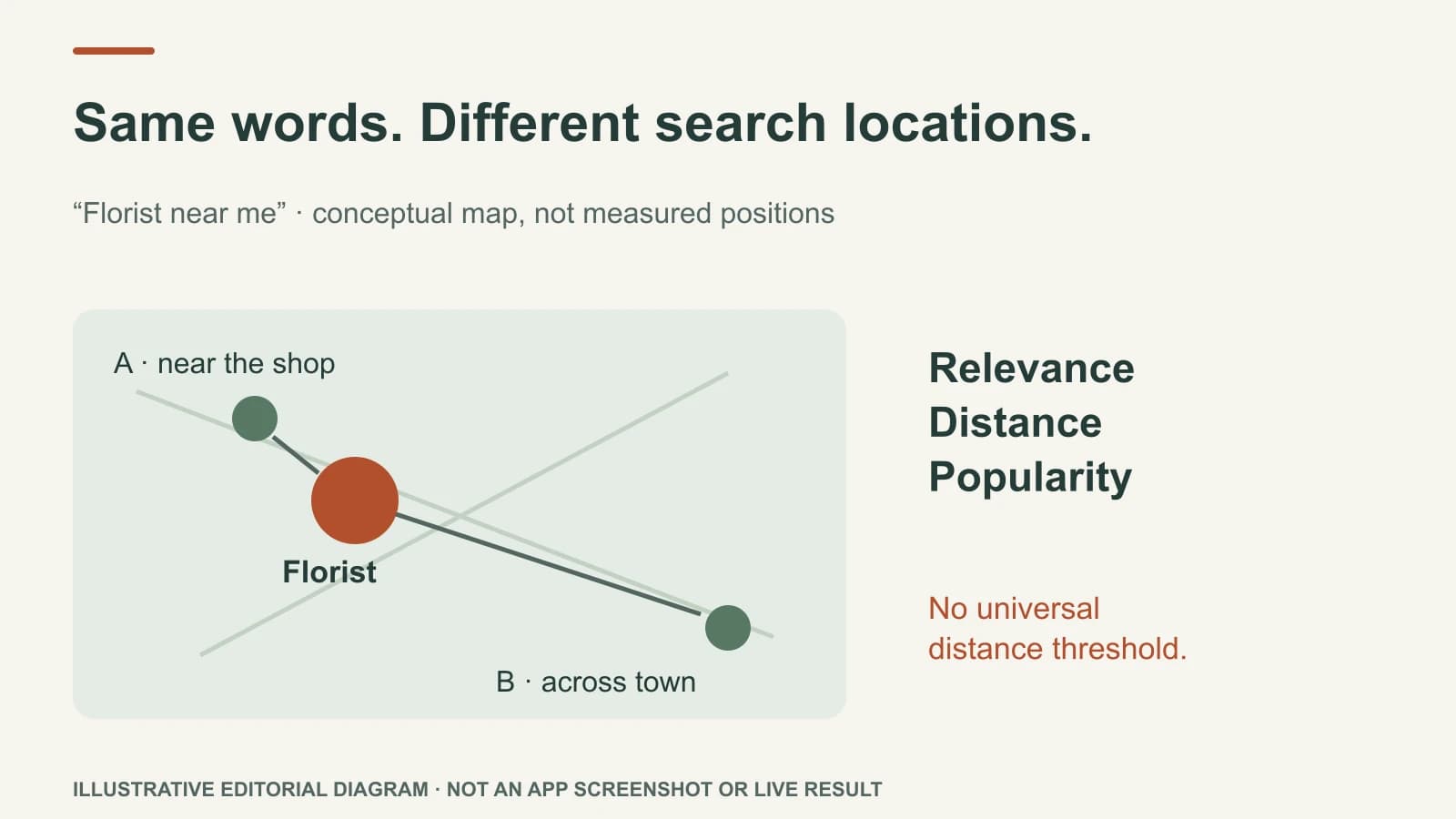
A Google Maps position can change a few streets away because Google weighs relevance, distance, and popularity for each local search. The searcher's position changes the distance part, and a slightly different query may change what counts as relevant. One screenshot from outside your shop is not your permanent “Maps rank.”
Google does not offer a way to buy or request a better local position. The useful approach is to sample relevant searches from places customers actually are, then improve accurate business information and the customer experience without promising a fixed ranking.
Two neighbourhoods, one business
Imagine a fictional neighbourhood florist on the edge of one shopping district. A person near the shop searches “florist near me.” Another person across town uses the same words. Even if the florist's profile, reviews, and website are unchanged, the second searcher is farther away. Other florists may be closer to that person.
Now compare “florist” with “same-day flower delivery.” If the shop sells bouquets for collection but does not deliver, it should not expect to appear prominently for the second query. Adding “same-day flower delivery” to a page would mislead customers. A relevant competitor may deserve the result.
These are examples of why samples can differ, not observed rankings for a real business. The exact order can also shift as businesses change hours, profiles, reviews, and online information.
Run a useful local visibility check
Choose a small set of actual customer questions, such as “florist,” “flowers for collection,” and “seasonal bouquets,” only if the shop offers them. Sample from the shop's neighbourhood and two other realistic customer areas. Keep the wording, device type, date, and approximate search location consistent. Record which businesses appear and whether the shop's profile facts are correct.
| Sample | What it helps answer | What it does not prove |
|---|---|---|
| Near the shop, “florist” | Whether the shop appears for a core nearby need | Its rank across the whole city |
| Across town, same query | How results look farther away | That a profile edit caused any difference |
| Near the shop, “flowers for collection” | Whether an offered way to buy is represented | That every similar query will behave identically |
Do not average three screenshots into a universal rank. A location grid or repeated samples can reveal a pattern, but they are still observations. A customer can also discover the shop through organic website results, social posts, a recommendation, or an AI answer. Those are different surfaces, as explained in the local SEO and AI answers guide.
Fix what the business controls
Check the real-world business name, category, address or service area, hours, phone, website, and booking route. Google's Business Profile guidelines say to choose specific categories that describe the core business and keep the profile accurate. Do not add neighbourhood names to the business name unless they are genuinely part of the real-world name. Do not invent storefronts or service areas.
A useful page can explain which bouquet types can be collected, whether ordering ahead is needed, and where the customer should go. Real reviews and photos help people judge the shop, but no single edit guarantees a Maps change. The weekly Google Business Profile check is a practical maintenance routine.
Where Mazuly fits
Search Visibility can help sample local presence so an owner sees where the business appears and where it does not. The Brand Brain gives Mazuly's AI saved services and local context for marketing outputs; it does not alter Google's distance calculation. Use a visibility check to choose the next accurate action, not as a score that promises a booking.
If results change, compare like with like over time. Note what was observed and what remains uncertain. That is more useful than telling an owner that a particular edit “moved them up” without evidence.