
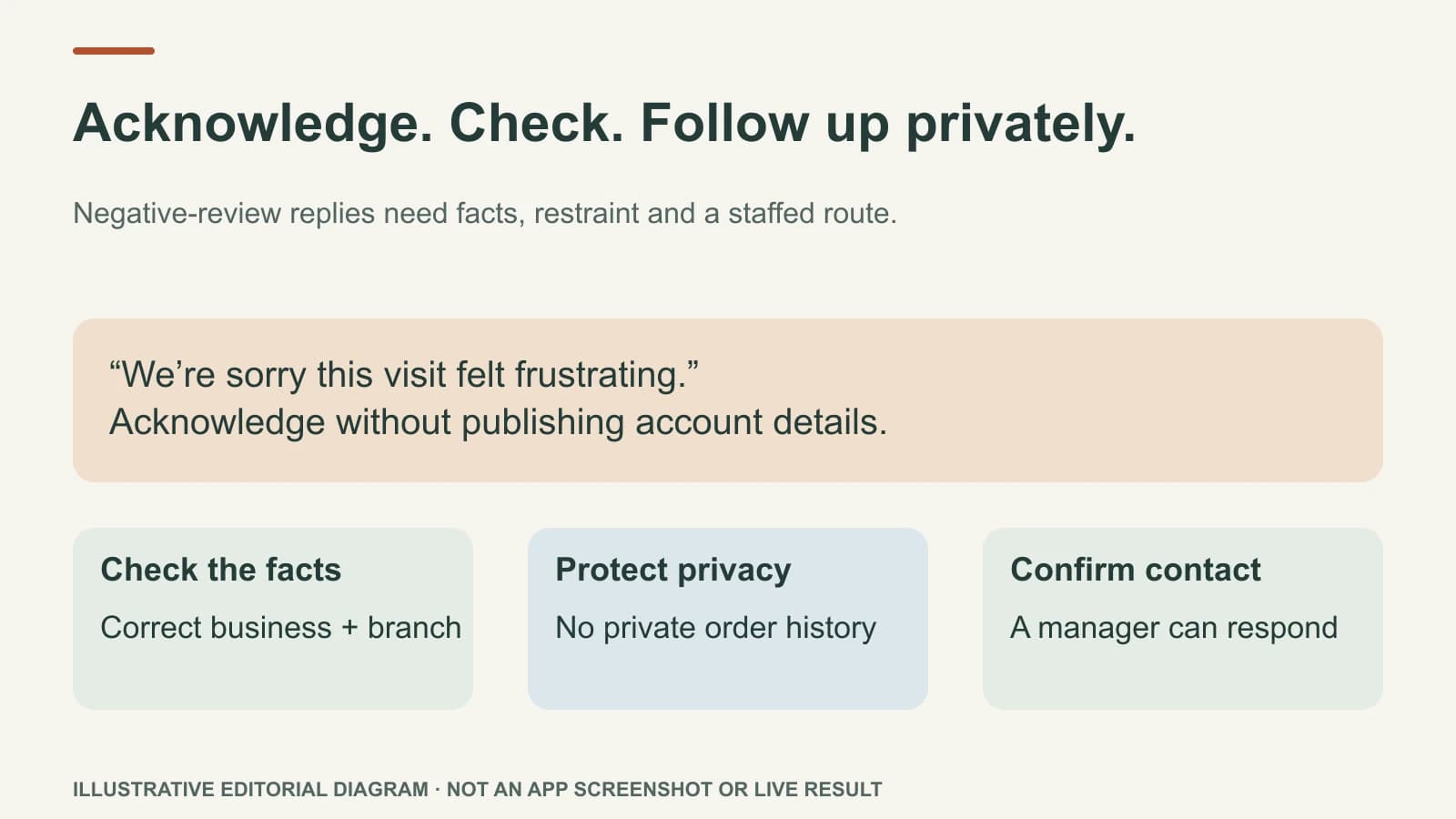
If the owner wants to review one- or two-star replies before posting, they must leave those ratings out of their selected automatic-reply set or turn automatic replies off. Then read the concern, check what the business can verify, and prepare a calm public response without private details. A reply is not the place to win an argument or reveal a customer's appointment, address, health information, or purchase history.
Some reviews require an internal fix before any public wording. A short, respectful reply can acknowledge the concern and give a direct route to resolve it.
Work through a difficult review
Imagine a customer writes: “One star. I waited an hour and nobody called me back.” The business believes the wait was shorter, but its notes are incomplete. This is an illustrative case, not a real customer review.
A poor reply would say: “You arrived at 2:14, and we called the number on your account three times.” It exposes account details, disputes a fact the business cannot prove, and sounds defensive to every future reader.
A safer draft is:
“We're sorry this visit felt frustrating. Waiting without a clear update is not the experience we want to give. We'd like to understand what happened and follow up directly. Please contact our manager through the number on our website so we can look into it with you.”
This draft does not assert that the customer is wrong, promise a refund the owner has not approved, or disclose a private record. The owner should still edit it if the business cannot staff that contact route or if the wording does not fit what actually happened.
Check three things before the owner approves
The facts: Is this about the right business and location? Does the team have enough information to investigate? A public review is not proof of every detail, and an internal record is not permission to publish private facts.
The risk: Does the review involve safety, discrimination, health, staff conduct, or a legal complaint? Escalate it to the responsible person. A public draft should not replace the internal response.
The next step: Can the customer actually reach someone through the phone or email you name? “Contact us” is empty if the channel is unattended. Do not ask the reviewer to post personal details publicly.
If the review appears to breach Google's content policy, use Google's reporting process separately. Do not threaten the reviewer or condition a response on deleting the review.
Decide how automation should behave
Mazuly's Google Review Replies lets the owner choose which ratings can receive automatic replies; ratings outside that set can be prepared as drafts. To follow the owner-review path in this article, exclude one- and two-star ratings from automatic replies. Another owner may choose a different rule, including automatic replies for those ratings. For a critical review held as a draft, Mazuly's AI can use Brand Brain context to prepare a reply for the owner to check before posting from inside Mazuly.
The rating is a routing signal, not a full risk assessment. A five-star review could contain a private detail that should not be repeated; a one-star review may be short and straightforward. Review a sample of all automated responses regularly.
Keep the response useful after posting
Do not edit the public reply into a sales pitch. If the customer contacts the business, continue the detailed conversation privately and fix the operational issue if one exists. A future customer will judge the business by how it listens and acts, not by whether it “wins” the comment thread.
For positive and mixed reviews, read how to reply without sounding like a template. For the full profile routine, use the weekly Google Business Profile check.