
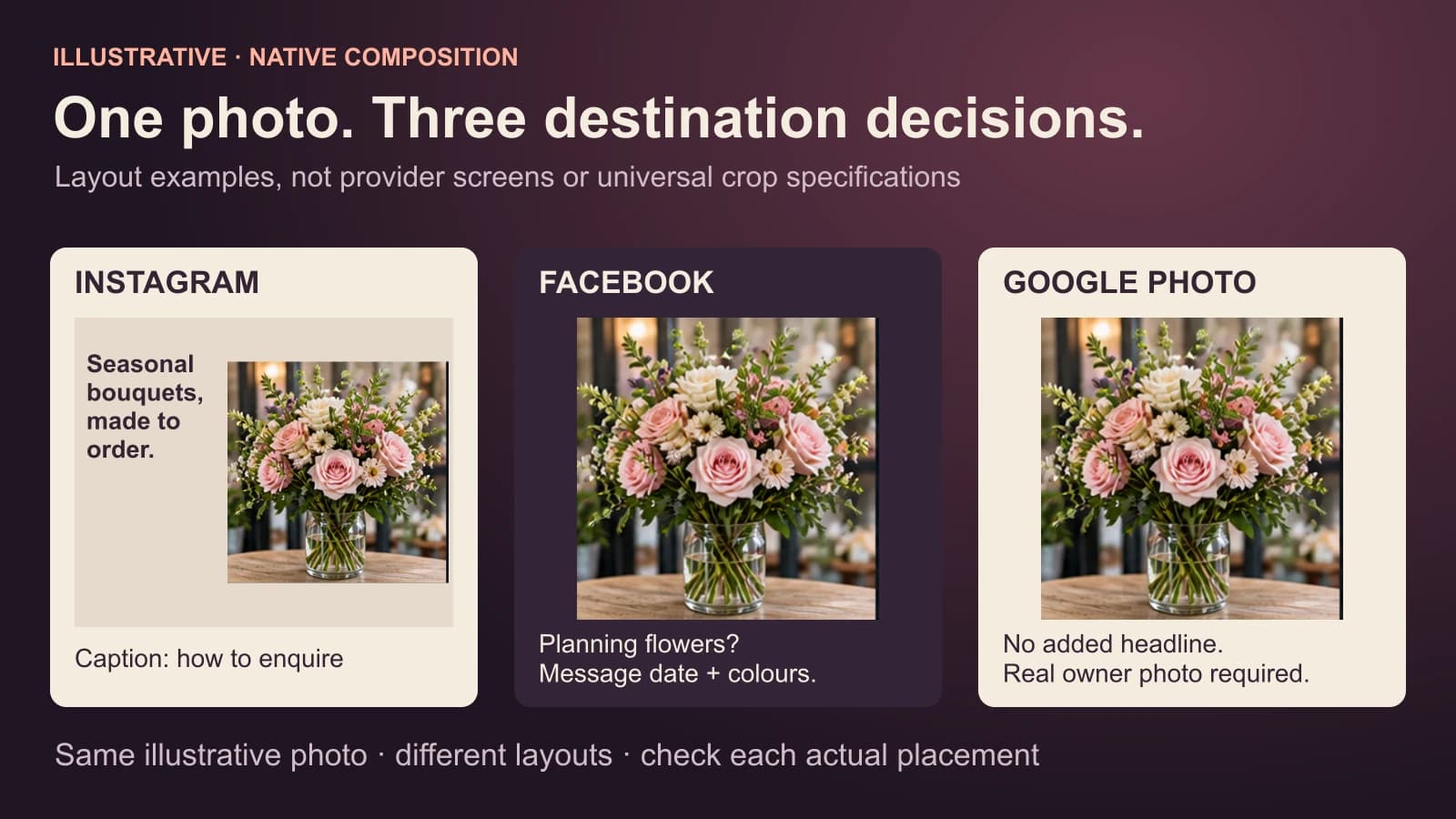
One original business photo can support several destinations, but do not assume one edited file is right for all of them. Check the crop and text in each channel preview. Keep a truthful, lightly edited source for Google Business Profile photos. Use channel-specific words and next steps rather than copying one caption everywhere. The final test is whether the person can still recognise the real product, place or service on a small screen.
The platform interfaces and media rules can change. This guide deliberately avoids a fixed list of “perfect” Instagram and Facebook pixel sizes; use the current placement preview before publication. Google's current Business Profile photo guidance provides concrete requirements and says profile photos should represent reality, without significant alteration or excessive filters.
Start with a real source and one claim
Imagine a neighbourhood florist photographs a real hand-tied bouquet on the shop counter. The original has a vertical frame, a readable bouquet, some empty counter space, and a price card partly visible. The owner may use the photo and knows the bouquet style is available by advance order. That last condition matters: a post should not suggest that the exact bouquet is ready for immediate pickup.
Before editing, save the original and write one factual line: “Hand-tied seasonal bouquets can be ordered in advance from the Riverside shop.” This is the claim every version must preserve. If the bouquet in the photo was a one-off commission, change the wording to say it is an example of past work, not a current stock item.
Instagram: let the visual lead
For an Instagram feed post, try a crop that keeps the bouquet clear and leaves a calm area for a short on-image line if the business wants one. Preview it in the actual placement; do not assume the whole source frame will show. The line might be “Seasonal bouquets, made to order.” The caption can explain how far ahead to enquire and where the shop is. Hashtags may identify the florist and place, but should not substitute for that booking information.
The edit should strengthen legibility and composition, not recolour the flowers into shades the florist cannot provide. If the intended crop cuts off the bouquet or hides its distinctive detail, choose another crop or a different photo. An attractive template is not more important than the product.
Facebook: make the decision clear
The Facebook version may use the same original with a different crop or no overlaid words at all. Preview how the image sits with the caption on a phone. Put the ordering condition near the beginning: “Planning flowers for next week? Our Riverside shop makes hand-tied seasonal bouquets to order. Message us with the date and colour direction, and we will confirm what is available.”
This is not a claim that Facebook always favours a particular image shape or caption length. It is a customer decision: make the offer and next step clear in the way this version appears. Facebook's photo-editing help describes crop and alt-text tools, which are worth checking as the interface changes.
Google Business Profile: protect the original-photo truth
Google's Business Profile photo guidance recommends a well-lit, in-focus image that represents reality without significant alteration. It lists JPG or PNG, 10 KB–5 MB, and a recommended 720-by-720-pixel resolution for profile photos. Those are Google Profile photo guidelines, not a universal export rule for Instagram or Facebook.
For the florist, the safest Google photo is the real bouquet photograph with modest light and crop corrections, not a graphic that replaces the arrangement or paints an offer over it. In Mazuly's connected Google photo workflow, only an owner-confirmed photograph goes to Google; a social graphic with added headline is a different asset. Keep that separation visible to whoever selects channels.
Google Business Profile posts are also different from its standalone photos. Google's post guidance distinguishes updates, offers and events and describes their text, media, action links and date fields. If an owner decides to make a Google post, check which type and terms fit; do not paste an Instagram caption with irrelevant hashtags and call the job done.
A three-destination check before use
| Destination | Verify in the preview | Verify in the words |
|---|---|---|
| Instagram feed | Bouquet and short line are readable within the intended crop | Caption names the real ordering route and condition |
| Facebook feed | The subject remains clear alongside the caption | First sentence says what is available and how to enquire |
| Google Business Profile photo or post | Owner-confirmed real photo remains representative; use the correct Google surface | Profile post, if used, has accurate terms, date and action link |
Do not create three visually unrelated products from one photo just to fill three channels. Do not force a square crop if it cuts away the subject. And do not publish the customer's face or private order details because they happened to be in the original frame.
Photo Studio helps produce a finished social creative from a real photo. The one-photo post guide covers the writing task; this guide shows why the destination changes the image and copy choices. Check current platform controls again whenever you change the intended placement.