
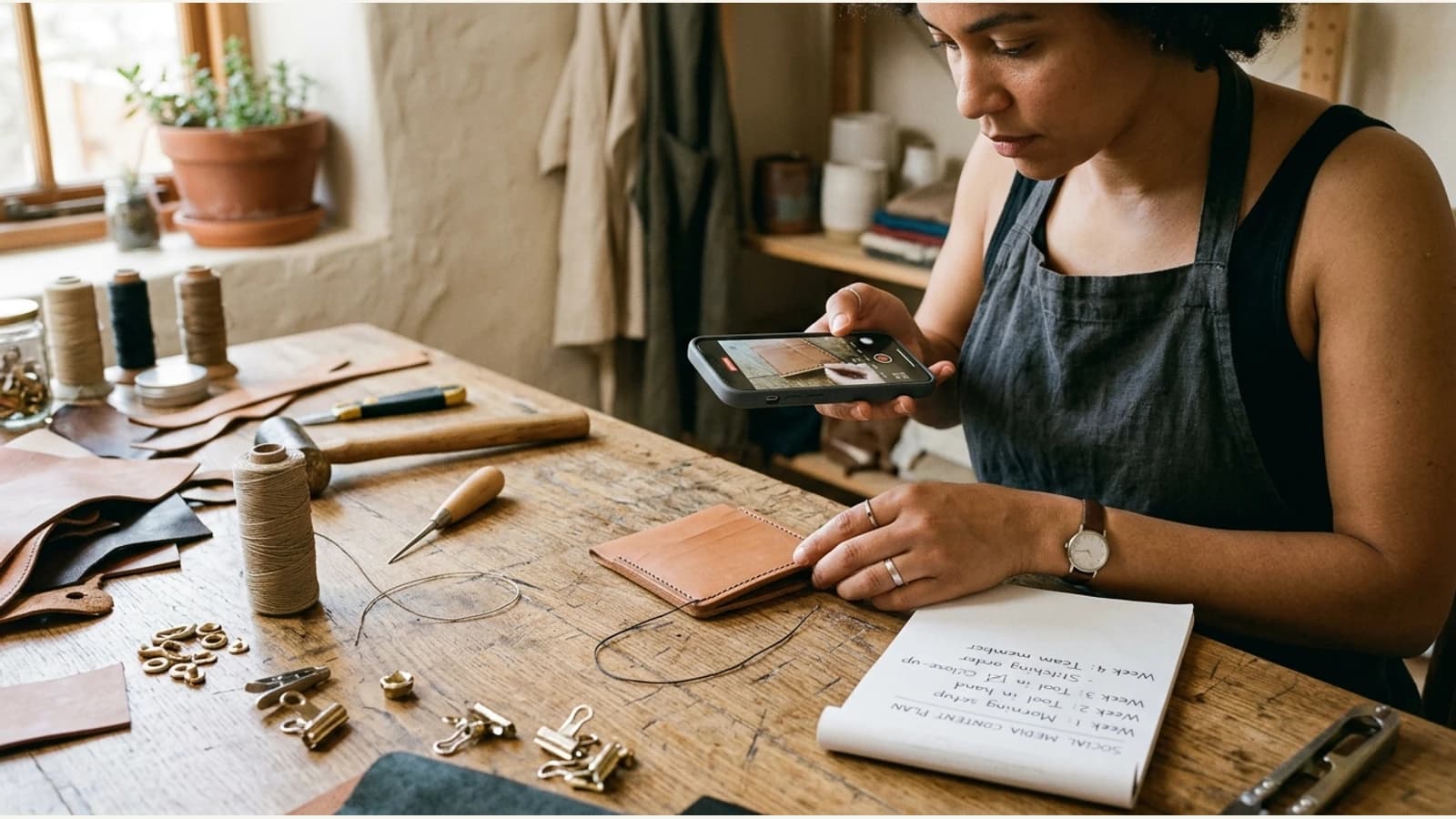
You can build a month of useful business photography with four short phone-camera sessions. In each session, practise one different shot: place, process, detail or a real finished result. Photograph what actually happened, then choose the strongest frame before worrying about a caption. This is a capture guide for the person holding the phone. The twelve-shot library guide is about selecting, filing and reusing an existing collection.
One business, four stories a phone can show
Imagine an illustrative furniture repair workshop. It wants local customers to understand what they will see at a first visit and what careful repair work involves. Over a normal month, the owner can collect:
| Shot type | What to photograph | What a customer learns |
|---|---|---|
| Place | Clear view of the real entrance or workbench | Where the business is and what the space feels like |
| Process | Hands preparing an actual repair, without private paperwork | How work begins rather than just the finished promise |
| Detail | A close-up of material, joinery or surface condition | What the craftsperson pays attention to |
| Result | The completed item, with owner permission | What was genuinely finished |
Those four images have distinct jobs, so they need different framing. The entrance needs enough space to show the actual sign and approach; a process shot needs the hands and work surface; a detail shot needs sharp focus on the relevant material; the finished result needs enough of the item to understand what was completed. A “before” view can help if it accurately shows the same item's starting condition. Never use an unrelated chair as its “before.”
Take the shot while the moment exists
Put the phone camera at the height of the subject. Wipe the lens first. Step away from clutter rather than trying to remove the entire workshop later. Tap the subject to set focus; if the phone offers a brightness control, adjust until the material still looks like itself. Take one wider frame before moving closer. Avoid digital zoom when you can move safely. Leave space around the item for a later square crop or a short on-image line, but do not hide the evidence the customer needs to see.
Natural light is helpful when available, but accurate colour matters more than a fashionable filter. If the material is walnut, a warm filter should not make it look like a different finish. Steady the phone and look at the image once at normal phone size. If the actual repair is hard to see, try again while you still have the item.
Before photographing someone else's furniture or home, ask whether the image may be used for marketing. Remove paperwork, addresses, family photos or other private details from the frame. A customer's permission to do a repair is not automatically permission to turn it into an advertisement.
Four weekly phone-camera sessions
| Week | Ten-minute camera task | Reject the image if… |
|---|---|---|
| 1 — place | Stand where a first-time visitor would approach. Take a wide entrance frame and a second frame closer to the sign. | The sign cannot be read or the entrance shown is not the one customers use. |
| 2 — process | Ask permission, then capture hands doing one real step with private paperwork outside the frame. | A still image would make the step look like a service the workshop does not offer. |
| 3 — detail | Choose one material or joinery question customers actually ask. Tap to focus and photograph its relevant texture. | The detail is soft, colour-shifted or too close for a viewer to understand its scale. |
| 4 — result | Photograph a genuinely completed item from a useful distance, with the owner's permission. Keep the matching source frame if making a before/after. | The job is not finished, permission is missing, or the starting image belongs to another item. |
Do not fill a missing category by inventing a project. If there was no customer-approved result shot this month, use the images that exist and let Social Planner leave space for a different kind of post. A caption can explain a process without pretending it produced a particular customer's result.
Give each selected photograph a simple note: date, branch, actual subject, permission, and any time-sensitive fact. An illustrative note such as “oak chair repair, workshop location, permission checked, finished 12 March” is more useful than “best transformation ever.” The note protects a later caption from the wrong location or job. For the full filing system and twelve-shot selection list, use the photo-library guide.
Turn the set into different posts
The place shot can help a first-time visitor find the entrance. The process shot can explain what happens when someone brings an item in. The detail can answer a question about materials. The finished result can show real work. That is already four different angles without writing a slogan first.
When a photo is chosen, Photo Studio can prepare a more deliberate social creative and caption. Keep the source file beside the result. A stronger crop, light balance and on-image line can make a post easier to notice; they should not invent a new item or erase a flaw that changes the customer's understanding. The photo-to-post editing guide gives a visual review method.
Review the four frames at phone size
Place the chosen frames side by side on a phone. Can someone recognise the entrance, understand the action, see the material, and identify the genuine result without reading four long captions? If the process and result are the same cropped frame, or an essential detail is hidden by a graphic, reshoot the weak frame when the next real job permits. Four truthful photographs from one consenting business are more useful than a filled calendar of unrelated stock images. Keep the source and permission note with each image before moving to editing or social scheduling.