
The best seasonal marketing idea for a landscaper is the service a nearby customer needs and the crew can actually take on. A spring garden-plan enquiry, summer bed upkeep and fall cleanup are different customer decisions. They need different proof, timing and next steps. Changing “spring” to “fall” on the same generic post will not do that work.
Use this guide to choose a seasonal message across the website, local search presence, social posts and an existing customer list. It is not a promise that any particular month will bring enquiries. Weather, service areas, crew capacity and the work the business offers all vary.
Start with the real seasonal service calendar
The business below is fictional. Pine & Path Landscaping serves Guelph and Fergus, Ontario, in this teaching example. Suppose its owner has approved these facts for a planning exercise:
| Season | Service the example business can discuss | Customer's decision | Fact to check before promotion |
|---|---|---|---|
| Spring | May garden-planning consultations and written planting proposals | “Can someone help me plan this space before I buy plants?” | The team is accepting new consultation enquiries and serves the address. |
| Summer | June–August maintenance of existing planting beds | “Can I get help keeping an established bed manageable?” | The work is offered in that area and the crew has capacity. |
| Fall | October leaf removal and garden-bed cleanup | “What should I arrange before the season ends?” | The scope, weather window and available dates are current. |
These are illustrative owner-provided inputs, not verified facts about a real landscaper. Installation is quoted separately in this example; no consultation is described as free, no completion date is guaranteed, and an enquiry is not a booking. A real business should publish only the services and areas its owner confirms. If summer maintenance is already full, the summer row becomes a waitlist explanation or disappears rather than an invitation the crew cannot honour.
Give each season a different kind of proof
In spring, show how a customer can get from an uncertain space to a proposed plan: the visit, the questions asked, and the written next step. In summer, explain the actual maintenance scope rather than displaying an unrelated dramatic transformation. In fall, tell the customer which cleanup tasks the crew offers and how to enquire before weather and capacity change.
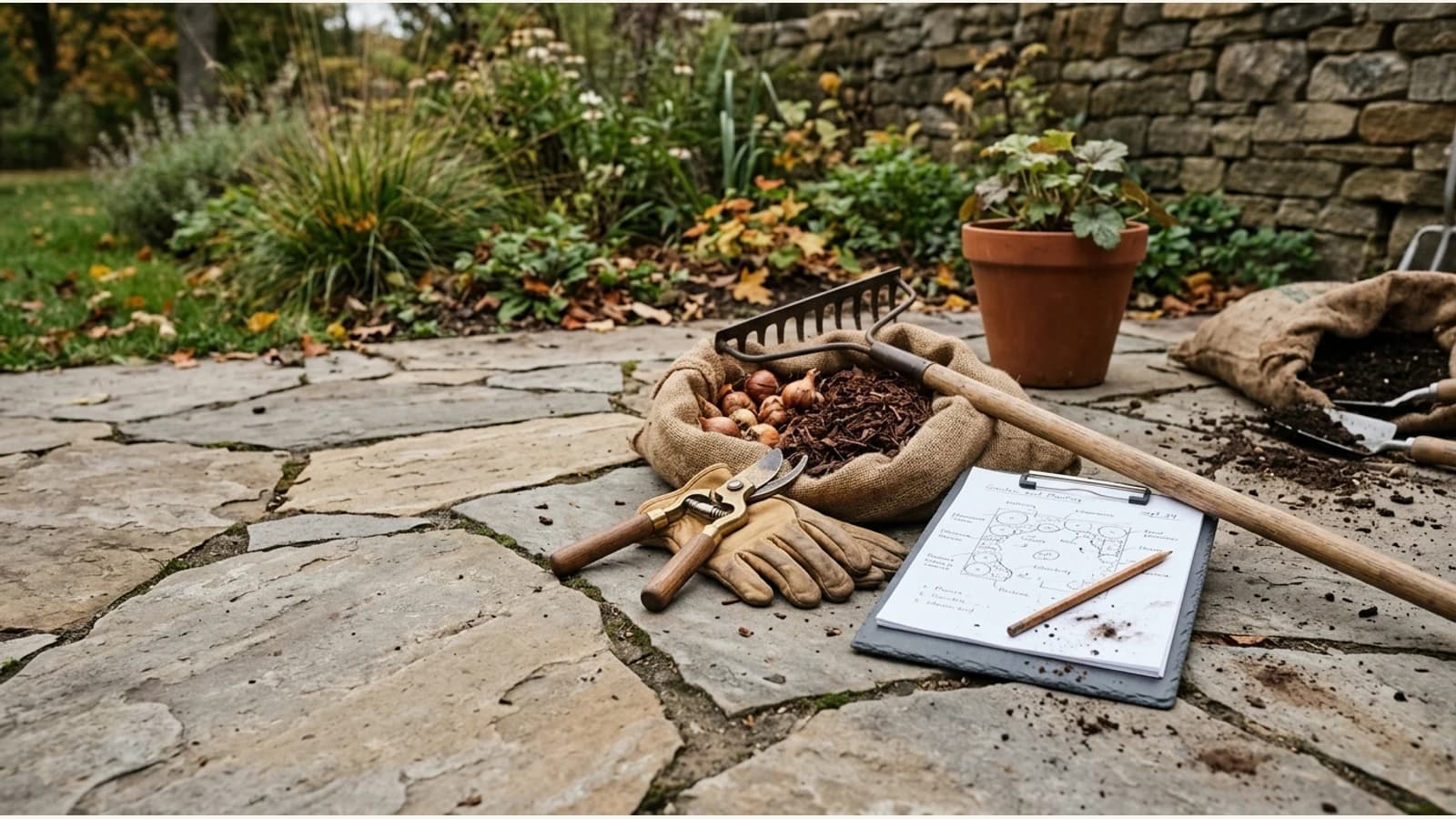
Real, permitted project photography can help. A spring planning sheet with customer details removed, a summer bed the team genuinely maintains, and a fall cleanup area photographed with the owner's permission are three different visual stories. Do not label a stock garden as a completed Pine & Path project or construct a before-and-after from unrelated properties. If there is no approved project photo yet, a truthful team or process image is better than invented proof.
One spring idea across four channels
The following is a complete illustrative sequence for Pine & Path's May planning consultations. It starts from the same approved facts: Guelph and Fergus service area, a consultation followed by a written planting proposal, separate installation quote, and an enquiry form that the team monitors. The URLs and images are placeholders; no live site, campaign or result is being shown.
1. Give local search a useful destination
Website page: a public garden-planning page such as https://example.com/garden-planning. Suggested page heading: “Garden planning in Guelph and Fergus.” Visible copy: “Tell us how you want to use your outdoor space. We begin with a consultation and prepare a written planting proposal. Installation, if needed, is quoted separately. Use the enquiry form to describe your property and ask about the next available consultation.”
Customer action: use the working enquiry form. The page should also name the actual areas served and any limits the team needs customers to know. Do not add “May appointments available” until the owner confirms dates. A service page makes the terms findable after a social post has disappeared.
2. Keep the local profile consistent
Google Business Profile check: confirm that the real business name, service area, hours, category and website link agree with the public page. Add a permission-cleared project or team photo only if it truly shows Pine & Path's work. Google's Business Profile guidance calls for accurate representation and a precise address or service area. This is a factual maintenance step, not a way to force a particular Maps ranking.
Customer action: reach the same garden-planning page or business contact route. If a listed town or seasonal hour changes, correct the profile and site before sending more traffic to them.
3. Make one social post from the page
Channel and time: Instagram and Facebook, an owner-chosen Tuesday morning after the page is checked. Image brief: a square, permission-cleared photograph of the team discussing a real garden plan, with any customer address or name removed. On-image line: “Start with a plan for your garden.”
Caption: “Thinking about changes to your garden in Guelph or Fergus? Our planning work starts with a consultation, followed by a written planting proposal. Installation is a separate conversation and quote. Read the garden-planning page to see the process, then use its enquiry form to tell us about your space.”
Hashtags: #GardenPlanning #GuelphGardens #FergusGardens, after confirming the locations fit the real business. Customer action: open the verified page through the account's working link route. The post answers the first-step question; it does not pretend to show a client transformation.
4. Write to people who already asked to hear from you
Channel and time: an email to the business's existing, permissioned customer list later that week. Subject: “Planning a garden change this spring?” Body: “If you are thinking about a change to your garden, Pine & Path is taking enquiries for May planning consultations in Guelph and Fergus. We begin by discussing how you use the space, then prepare a written planting proposal. Installation is quoted separately if it is part of your project. See the planning page for the process and send the enquiry form with a little about your property.”
Customer action: use the same public page and enquiry form. Do not send this to a purchased list or imply a past customer has already reserved a place. One confirmed source page keeps the site, social caption and email from drifting into different promises.
Change the message when the work changes
For summer, first put the confirmed planting-bed maintenance scope on a public page, with a permission-cleared team photo and a request for the property's location. It should not imply that the team designs and installs a new garden when this season's capacity is only for upkeep. A concrete illustrative summer line would be: “Need help maintaining an established planting bed in Guelph or Fergus? See what our June–August bed-maintenance visits include, then use the enquiry form to tell us about your space.” The action is the maintenance-page enquiry, not a promised appointment; the owner first checks that the crew has capacity.
For fall, first put the confirmed cleanup tasks and service area on a public page. An illustrative fall line would be: “Planning leaf removal or garden-bed cleanup this October? Read the current cleanup scope and send us your location and preferred timing through the enquiry form. We will confirm what the team can take on.” The action is a specific cleanup enquiry, not a guaranteed date. When the weather window closes, remove or update the invitation rather than leaving an expired seasonal claim online.
Use Brand Brain to keep the landscaping business's actual areas, services and voice available to the AI behind Mazuly. Campaign Studio can start from a public service-page URL and prepare a coordinated set of posts; the owner still checks capacity, project-photo rights, page facts and each customer action. For the narrower URL-to-five-post workflow, read the service-page campaign guide. For a specific seasonal offer rather than an ongoing service, use the seasonal-offer guide.