
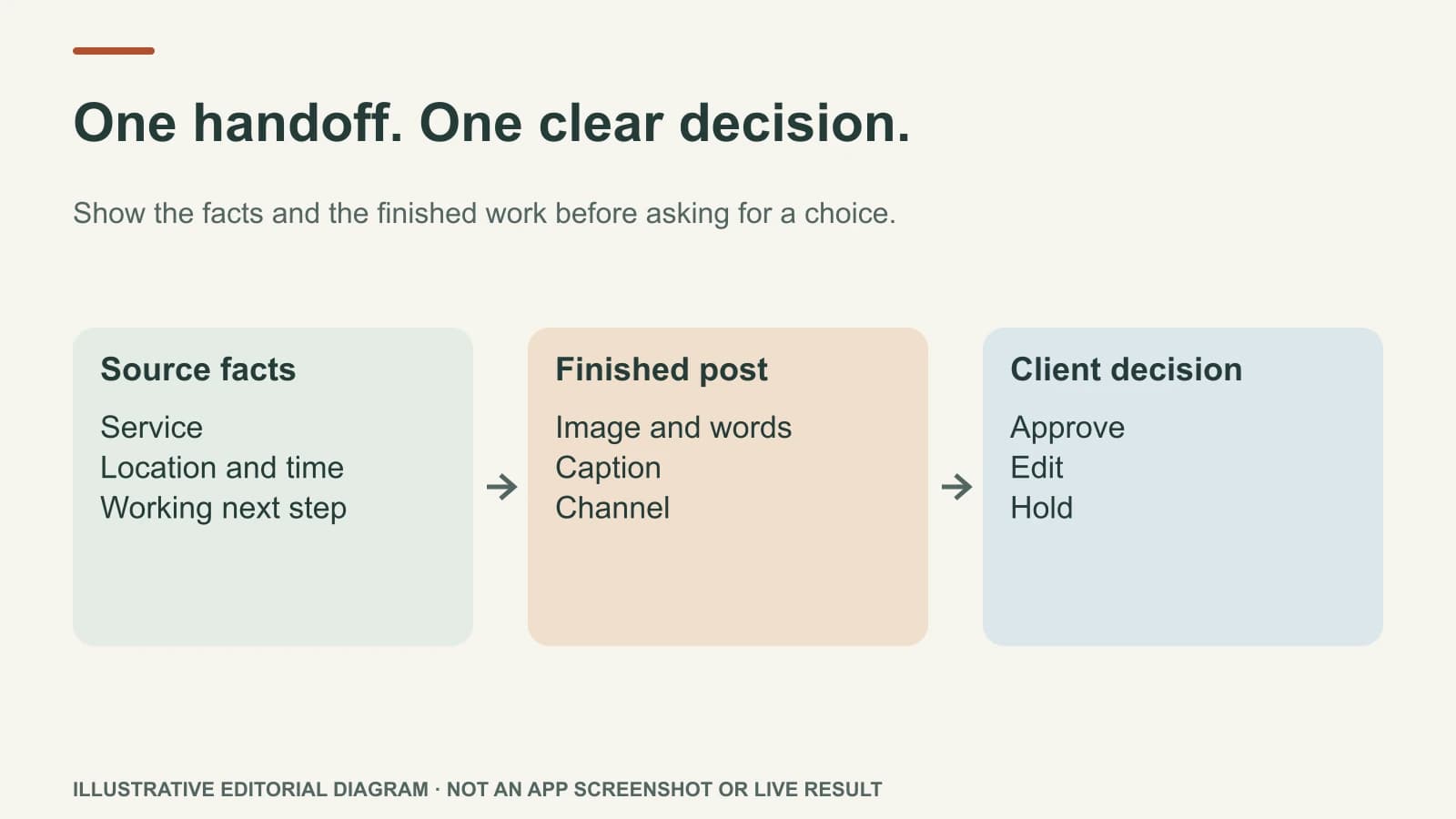
A social media approval process should answer three questions before you send the client anything: what’s ready, what decision is needed, and who can make it? If the owner has to dig the latest version out of an email thread, the process has failed, however good the post is.
This guide covers sign-off for one piece of work. For running several clients week to week, read how to manage social media for clients.
Decide what needs a person and what doesn’t
Approval doesn’t have to mean everything waits for the owner. A business can choose which Google star ratings get an automatic reply and hold the rest as drafts. A new price, a disputed complaint, a customer’s photo or a time-limited offer deserves a deliberate check. Write the rules down where the client can see and change them.
| Work arrives | Sensible rule | What the client sees |
|---|---|---|
| A routine review at a star rating the owner chose for automatic replies | The owner’s rule applies | The chosen ratings and the replies that went out |
| A review outside those ratings, or about health, legal or safety | Held as a draft for a person | The review, the proposed reply and why it was held |
| A post about a new service or offer | Check facts, picture, channel, timing and next step | The finished post beside its source facts |
| A changed price, deadline or availability | Fix the source first | Which fact changed and which drafts it affects |
The goal is control without constant interruption. Choose automatic-reply ratings conservatively at first and review them with the owner after a month.
The approval card template
Send one card per item, never a chain of messages. Copy the first two columns; the third shows it filled in for an illustrative salon client.
| Field | What to write | Example |
|---|---|---|
| Client and location | Business and branch | Riverside Hair Studio, Riverside |
| Why now | The moment: an opening, a new service, a review | A color appointment canceled for Thursday 3:30 pm |
| Source facts | Time, price, terms, and where each fact came from | 90-minute color, booking link checked today, no discount agreed |
| Finished post | Picture with its on-image line, caption and hashtags, exactly as it will appear | Salon photo with “Thu · 3:30 pm opening,” caption naming the service, time, branch and booking link |
| Where and when | Instagram, Facebook or Google Business Profile, with date and time | Instagram, Wednesday 10 am |
| Decide by | A deadline that fits the post | Wednesday 9 am |
| Your choice | Approve as shown, change one named thing, or hold | Approve, or hold if the slot is gone |
The card makes mismatches visible before the post goes out. If the caption says “3 pm” and the booking link says “3:30,” the owner sees both side by side.
For a sensitive review, show the review itself and say why the draft is held. Never put private appointment or customer details in a public reply. Google’s own advice is to keep replies short and professional, move complicated issues to phone or email, and never share a reviewer’s private information (Google Business Profile Help, checked November 18, 2026).
Agree the approval rules once
Settle these with each client before the first card goes out:
| Rule | Example answer |
|---|---|
| Who can approve posts? | The owner; the co-owner when the owner is away |
| What needs a fresh yes every time? | Prices, offers, customer photos, new services |
| What can go out under standing rules? | Review replies at 4 and 5 stars |
| How fast do you need an answer? | Same day for openings, 3 days for monthly plans |
| What happens if nobody answers? | The post waits; nothing goes out unchecked |
Keep the reason for every edit
“Make it warmer” is hard to repeat. “Use our normal service name, remove the unapproved discount and link to the Riverside booking page” is something you can act on. Note the reason beside the item, and when a correction applies beyond one post, update the client’s fact sheet so you never make the same mistake twice.
If you keep fixing the same service name or location, the source is wrong. Fix the source rather than asking the client to keep catching it.
Close the loop
Once the client decides, record the decision and what happens next. A good process makes the owner’s judgment easy to use: enough direction for you to move, and the owner’s attention spent only on what changes what the business promises.
For clients with several branches, add the location to every card; see multi-location marketing.
Where Mazuly fits
In Mazuly, posts go out only after someone with the right to approve says yes, and the owner picks where each one goes. Owners and co-owners get an email link to approve without logging in; team members don’t get that link. Google review replies follow the owner’s rules, either “Reply to all” or “Hold complaints for me,” and reviews about health, legal or safety topics, or that include a phone number or email, are always held for a person. Each business keeps its own Brand Brain, so Mazuly for consultants keeps one client’s facts out of another’s work.
Frequently asked questions
What is a social media approval process?
It’s the agreed way a post goes from draft to live: who prepares it, who checks the facts, who gives the final yes and how fast. A good one names the approver for each kind of post and makes the decision a single reply, not a long email thread.
What should a social media approval process template include?
The client and location, why the post matters now, the source facts it relies on, the finished post exactly as it will appear, where and when it will go out, a deadline for the decision, and three clear choices: approve, edit with a specific change, or hold.
Does every post need client approval?
Not always. Agree in writing which routine items can go out under standing rules, such as review replies at chosen star ratings, and which always need a fresh yes, such as new prices, offers, customer photos and anything about health, legal or safety topics.
How long should a client have to approve a post?
Set a deadline on every approval card that matches the post. A same-day opening may need an answer within an hour; a monthly plan can wait a few days. If the deadline passes, the post waits rather than going out unchecked.